Search and filter contacts into an exportable list
Search, filter and tag contacts to build an exportable list
Writing to someone starts with deciding who. This recipe builds that list with the same filters the Contacts directory offers: lifecycle stage, channel, lead source, company or tag. It works the same over ten contacts or ten thousand. At the end you have an exportable group. Ready to work outside Vitrina, or to hand off to a campaign.
Trap
A contact with no name is not a contact with no data: check named before greeting anyone
display_name is never empty. Without a loaded name, the field falls back to the phone, the email or the channel handle. named turns false in that case. Build the message from display_name without checking named, and you end up greeting someone by their own phone number.
Before you start
contacts:readto search, count and export.contacts:writeto bulk-tag and write attributes.- The rest of the directory's fields live in Contacts; this recipe covers only the segmentation half.
1. Look at the picture before filtering
GET /contacts/stats takes no parameters and answers fast, so it is a cheap way to calibrate the rest of the search before writing a single filter:
curl https://api.vitrinadev.com/api/v1/contacts/stats \
  -H "Authorization: Bearer $VITRINA_KEY"
{
"data": {
"total": 69,
"by_lifecycle": { "unknown": 62, "customer": 6, "prospect": 1 },
"by_channel": { "instagram": 8, "website": 3, "whatsapp": 2 },
"by_lead_source": { "manual": 9, "website": 8, "conversation": 3, "marketplace": 2 },
"email_reachable": 31,
"phone_reachable": 46,
"duplicate_candidates": 6
}
}by_lifecycle and by_channel preview which search filters return anything. Asking for channel=email in this workspace asks for zero results, and the response already says so without spending a search call. duplicate_candidates counts the pairs the workspace flagged as a possible duplicate. They get reviewed and merged by hand from Contacts; this recipe only surfaces that they exist.
2. Search and filter
curl "https://api.vitrinadev.com/api/v1/contacts/search?lifecycle_stage=prospect,qualified_prospect&limit=25" \
  -H "Authorization: Bearer $VITRINA_KEY"
{
"data": [
{
"id": "01a0c849-57c3-732e-9096-3457b9f916b2",
"name": "María González",
"email": "[email protected]",
"phone": "+56912345678",
"lifecycle_stage": "prospect",
"channels": [],
"lead_sources": [],
"display_name": "María González",
"named": true
}
],
"meta": { "total": 1, "limit": 25, "offset": 0 }
}q searches name, email, phone and external_id at once. It ignores case and accents. lifecycle_stage takes a comma-separated list, as in the example. That is how the app's «Prospects» bucket gets built in a single call. channel, lead_source, tag_id and company_id combine with each other, and every one of them is optional.
meta.total is the real match count, not the page size. Use it to decide how many pages are left.
3. Walk the whole list, not just the first page
curl "https://api.vitrinadev.com/api/v1/contacts/search?limit=2&offset=2" \
  -H "Authorization: Bearer $VITRINA_KEY"
{
"data": [
{ "id": "01a0ce15-c110-7264-931a-8efd42702e04", "display_name": "Lucía Herrera", "named": true },
{ "id": "01a0ce14-39dd-7fc8-8c45-b3b1721a78c2", "display_name": "Rodrigo Paredes", "named": true }
],
"meta": { "total": 69, "limit": 2, "offset": 2 }
}Pagination is by offset, never by cursor. It brings twenty-five contacts per page by default, up to a thousand per call. Step offset forward by limit. Stop once data comes back empty, or once what you walked reaches meta.total.
4. Add what your workspace already knows about each one
Every workspace can define its own fields on a contact, beyond name and phone. They read back merged with their definition, in one call:
curl https://api.vitrinadev.com/api/v1/contacts/01a0cc9b-e6c6-77ce-90d3-5c1b338443a4/attributes \
  -H "Authorization: Bearer $VITRINA_KEY"
{
"data": [
{
"key": "presupuesto",
"value": "12000000",
"source": "admin",
"label": "Presupuesto",
"data_type": "number",
"required": false
}
]
}A field that is defined but never set on THIS contact still shows up in the list, with id and value at null. That is the signal to draw an empty field instead of skipping it. Defining new fields happens in Contacts; this call only reads them.
5. Bulk-tag the ones that match
curl -X POST https://api.vitrinadev.com/api/v1/contacts/tags/bulk \
  -H "Authorization: Bearer $VITRINA_KEY" \
  -H "Content-Type: application/json" \
  -d '{
    "contact_ids": ["01a0cc9b-e6c6-77ce-90d3-5c1b338443a4", "01a0cbfe-0e3a-7960-9901-ad153b1db135"],
    "tag": { "name": "recetas-demo" }
  }'
{ "data": { "tagged": 2, "tag_id": "68d3b69b-4050-4a6e-8d26-ef802199e8d7" } }Send tag.tag_id for an existing tag or tag.name to resolve or create one by its slug, never both. tagged counts the contacts that actually got tagged. Repeating the same call over the same two contacts answers { "tagged": 0, "tag_id": "..." }, because neither one was missing the tag. With tag_id in hand, the tag_id= filter on search confirms who ended up in the group.
6. Get the file out
curl "https://api.vitrinadev.com/api/v1/contacts/export?lifecycle_stage=prospect" \
  -H "Authorization: Bearer $VITRINA_KEY"
name,email,phone,external_id,country,language,city,job_title,brand,lifecycle_stage,created_at
María González,[email protected],+56912345678,,,,,Gerente de operaciones,,prospect,2026-09-22T08:44:04.923+00:00The response comes back as text/csv and accepts the same q and lifecycle_stage filters as search. It is paged internally by its own cursor. There is no limit you can undershoot: a hundred-thousand-contact directory comes out whole in one call. The columns match what POST /contacts/import accepts, so an exported file can be edited and fed straight back in.
In the app: the same directory, with filters and bulk tagging from the UI, lives under Contacts.
When it fails
A lifecycle_stage outside the fixed list answers 400, with the value it received in the message:
{
  "error": {
    "code": "VALIDATION_ERROR",
    "message": "Request validation failed",
    "details": {
      "query": [{ "path": "lifecycle_stage.0", "message": "Invalid enum value. Expected 'unknown' | 'prospect' | 'qualified_prospect' | 'customer' | 'repeat_customer' | 'inactive' | 'blocked', received 'interesado'" }]
    }
  }
}
Validate the tokens against that list before building the query. A typo does not find zero contacts: it cuts off the whole call.
The list is yours; the campaign gets built elsewhere
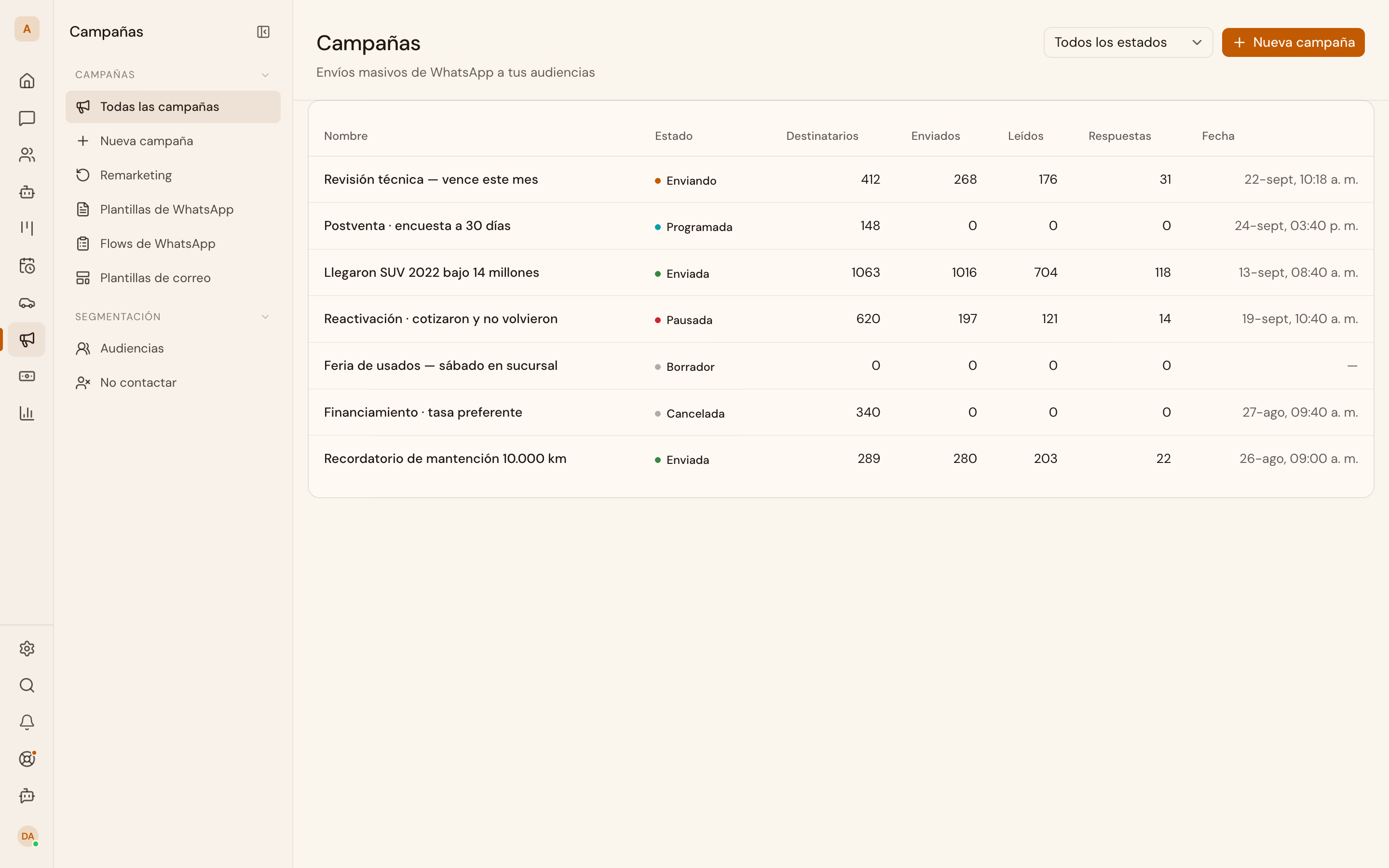
Search, tagging and export are published operations; audiences and campaigns are not, so this recipe does not end with a send. The file from step 6 and the tag from step 5 are the starting point. The next step is opening Campaigns and building the send there.